Automatic flight stage change
Cabby can automatically change the flight stage for you based on various conditions detected from your simulator. All detection conditions can be previewed and customized in the Settings > Flight Stage Detection page.
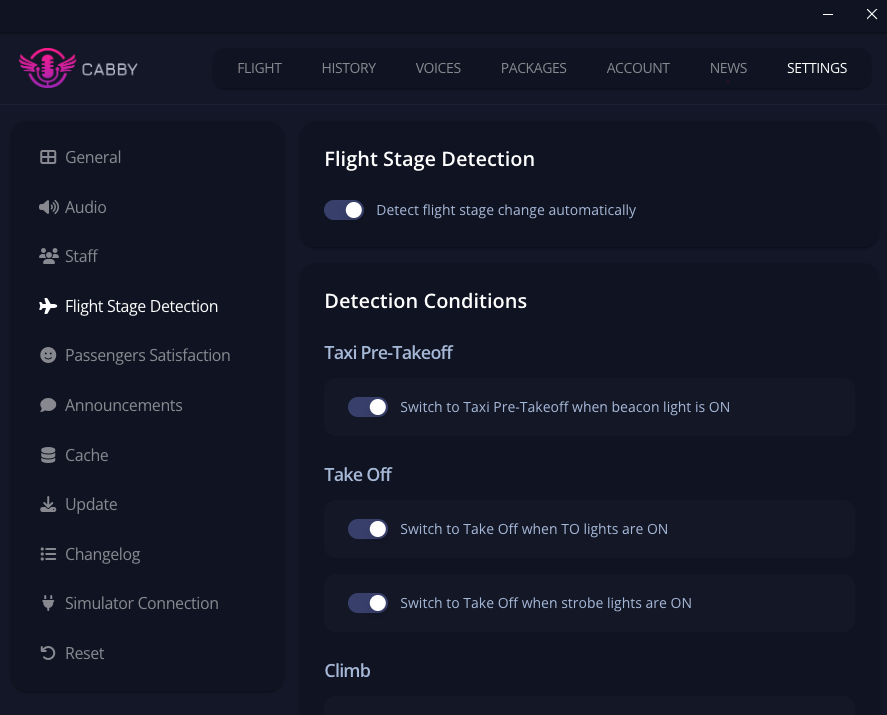
Configuring Detection Conditions
In the Flight Stage Detection settings page, you can:
- Enable or disable automatic flight stage detection
- Customize detection conditions for each flight phase:
- Taxi Pre-Takeoff
- Take Off
- Climb
- Cruise
- Descent
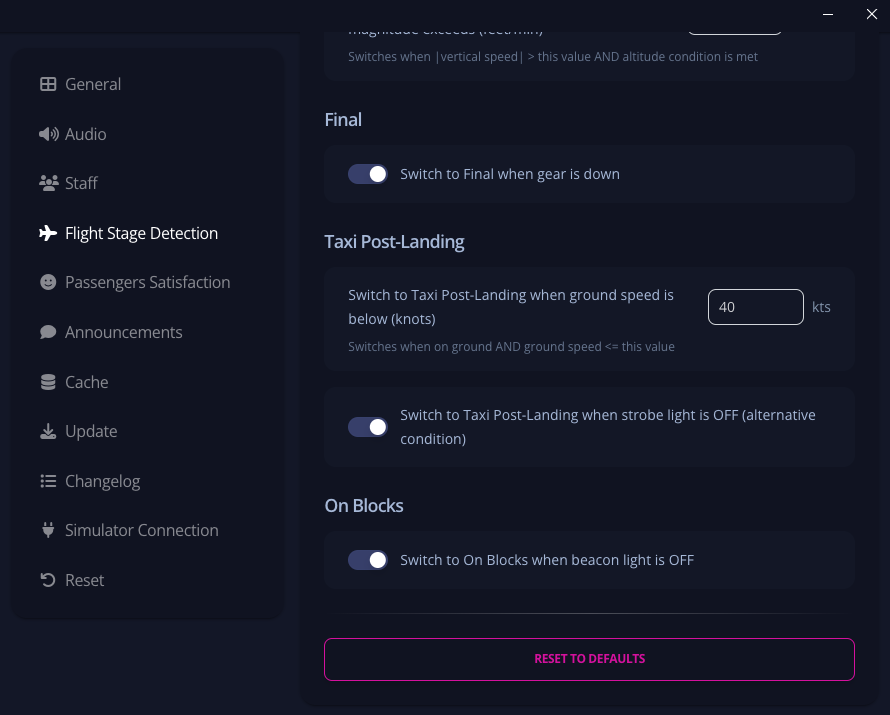
- Final
- Taxi Post-Landing
- On Blocks
Each condition can be adjusted with specific thresholds (altitude, speed, vertical speed) or toggled on/off for light-based detections. You can also reset all conditions to their default values using the reset button at the bottom of the page.
note
You can always change your flight stage manually by clicking on the stage name in the flight page, regardless of automatic detection settings.